
Logitech MX Master 3S vs. Signature M650: Which Office Mouse?
By Buyer By Day · Updated November 3, 2026 · Researched comparison
Choosing between the Logitech MX Master 3S and Signature M650 comes down to how you work, how the mouse fits your hand, and whether you need advanced controls. The MX Master 3S is the more specialized workstation option; the M650 is the simpler choice for everyday navigation. This comparison explains the trade-offs without assuming the more elaborate mouse is right for everyone.
Researched November 3, 2026. Recommendations and trade-offs are editorial judgments based on published specifications, not hands-on testing. Some links are affiliate links: we may earn a commission at no extra cost to you. As an Amazon Associate I earn from qualifying purchases. Check exact model, seller, availability, and current price before buying.
Choose the MX Master 3S if scrolling through large spreadsheets is central to your day. Choose the Signature M650 if you want a simpler mouse and a choice of sizes.
| Product | Best for | Main trade-off |
|---|---|---|
| Logitech MX Master 3S — Standard Edition | Right-handed desk users who want an advanced scrolling mouse. | Right-handed shape is unsuitable for left-handed use. |
| Logitech Signature M650 — Small/Medium, Off White | Small-to-medium right-handed hands and everyday office tasks. | This exact listing is the small/medium version; larger hands need M650 L. |
The picks, with pros and cons
Logitech MX Master 3S — Standard Edition
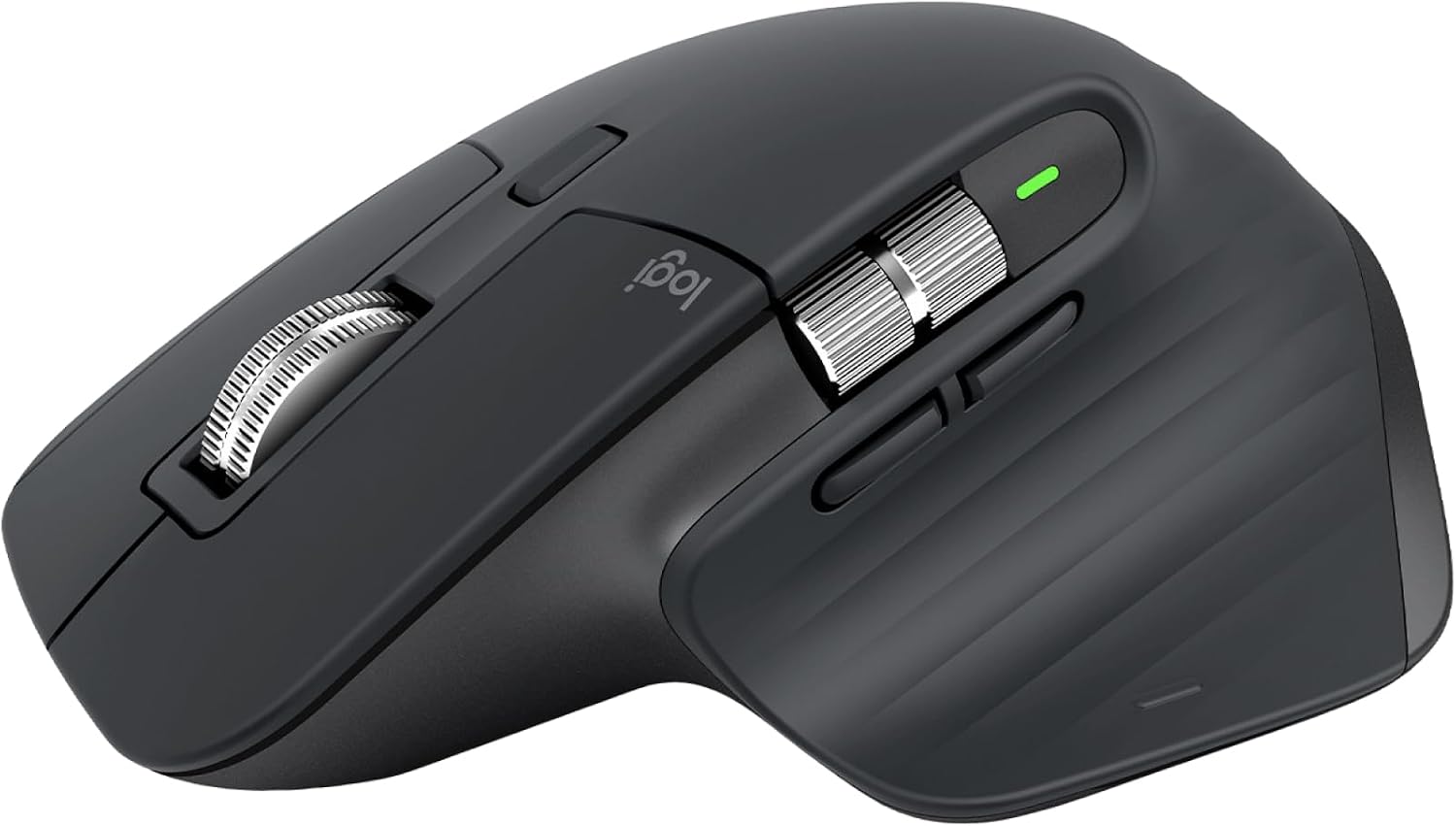
Best for: Right-handed desk users who want an advanced scrolling mouse.
A practical candidate for a permanent workstation where scrolling and configurable controls matter more than packing light.
+ Pros
- MagSpeed scroll wheel for navigating long documents.
- Rechargeable design with USB-C charging.
− Cons
- Right-handed shape is unsuitable for left-handed use.
- Larger desk-oriented shape is less convenient for a compact travel kit.
Choose the M650 instead for a simpler mouse with small, large, and left-handed variants; select the correct size listing.
View Logitech Signature M650 — Small/Medium, Off White on Amazon → · Read its pros & consLogitech Signature M650 — Small/Medium, Off White
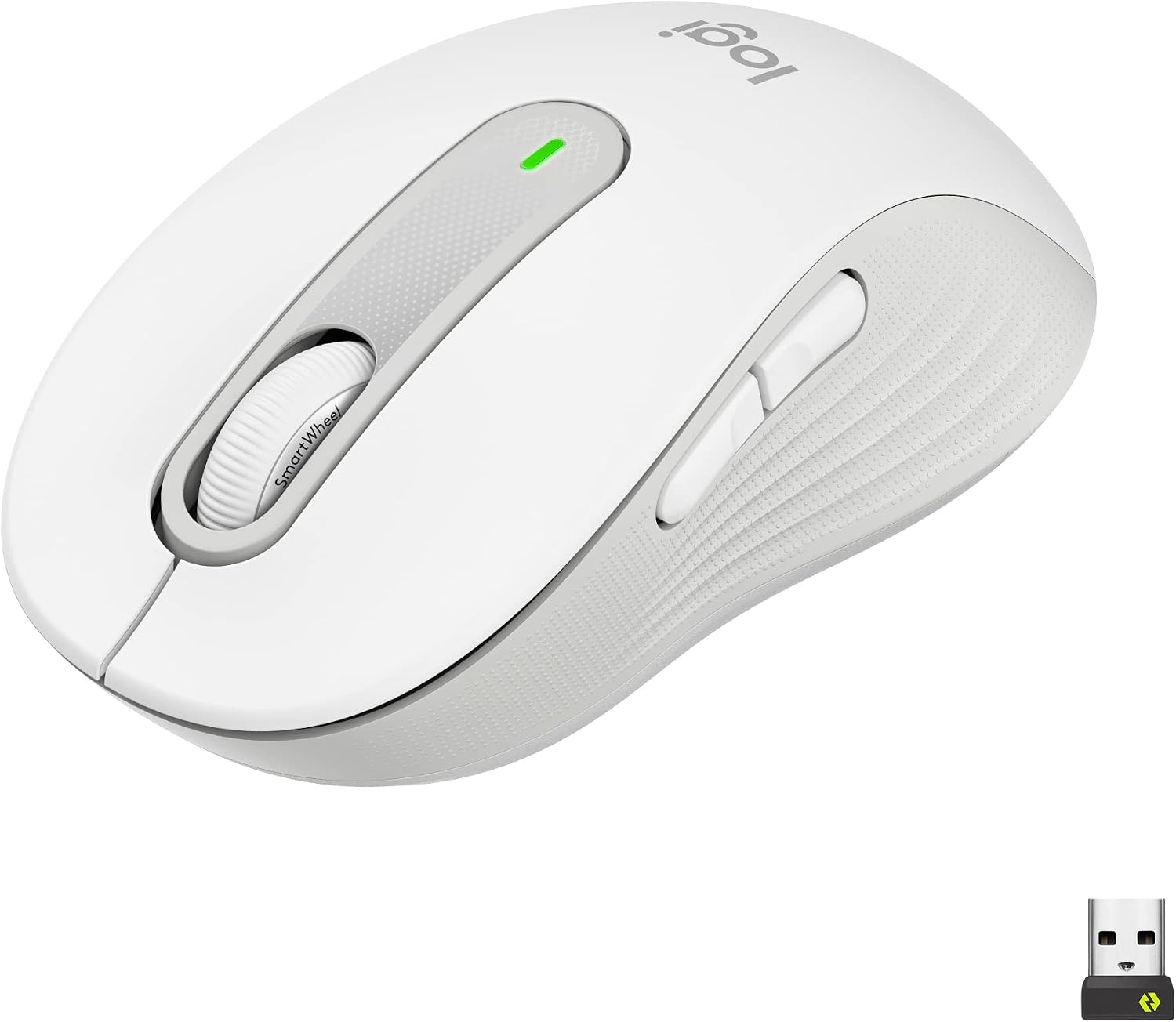
Best for: Small-to-medium right-handed hands and everyday office tasks.
A straightforward option when you want Bluetooth or a USB receiver without the MX Master’s larger feature set.
+ Pros
- Bluetooth and Logi Bolt receiver connectivity.
- SmartWheel switches between precise and fast scrolling.
− Cons
- This exact listing is the small/medium version; larger hands need M650 L.
- No dedicated thumb scroll wheel for horizontal spreadsheet navigation.
Choose the MX Master 3S instead if horizontal navigation and more advanced controls are priorities.
View Logitech MX Master 3S — Standard Edition on Amazon → · Read its pros & consHow to choose between these products
MX Master 3S vs. M650 for spreadsheets and office work
If your day involves wide spreadsheets and long documents, scrolling controls deserve more attention than a headline sensor specification. The MX Master 3S is worth considering when its additional controls match tasks you repeat throughout the day. The M650 makes more sense when ordinary clicking, selecting, and scrolling cover most of your workflow. List the shortcuts you would actually use before choosing the more complex option.
Choose the right hand size and shape
The M650 family includes different sizes and a left-handed variant. The specific Off White model linked here is for small-to-medium right-handed hands; it should not be treated as a universal fit. The MX Master 3S has a larger right-handed shape. If possible, try the shape before buying, or check the seller’s return terms. Neither a contoured design nor an expensive mouse guarantees comfort for every person.
Which Logitech mouse should you buy?
Choose the MX Master 3S when its scrolling and rechargeable design justify the space and features in your permanent setup. Choose the M650 when you want straightforward wireless navigation and can select the correct size. If you often travel, think about the mouse’s footprint in your bag as well as its shape on your desk. Check Bluetooth support and available USB ports on the computer you intend to use.
Frequently asked questions
Is the Signature M650 the same size as M650 L?
No. Logitech offers different size variants. The M650 listing in this guide is the small/medium version; choose an M650 L listing if that is the size you need.
Does the M650 have a thumb scroll wheel?
The M650 does not have the dedicated thumb scroll wheel found on the MX Master 3S. Consider how often you navigate horizontally before deciding whether that matters.
Have these mice been tested by Buyer By Day?
This is a researched comparison of published features, not a hands-on review. Product photos identify the models; they are not evidence of our own testing.
We compared the intended use and published features of these specific models. Pros describe useful features; cons describe limitations and fit considerations inferred from those features. These are considered options, not a claim that every competing product was tested. Linked specifications may describe the current product generation; confirm the listing’s version.
- Logitech MX Master 3S — Standard Edition — manufacturer information
- Logitech Signature M650 — Small/Medium, Off White — manufacturer information
The article header photograph is illustrative; photos inside product cards show the linked product model. Confirm the selected color on Amazon. We do not display live prices, ratings, or stock claims. Product pages and sellers can change.